

Eyesis Panorama Database
From ElphelWiki
Revision as of 03:22, 30 August 2011 by OneArtPlease (talk | contribs) (→PHPJavascript Interface Discussion)
Contents
- 1 About
- 2 Download
- 3 Documentation
- 3.1 MySQL DB Structure
- 3.2 PHP Methods
- 3.2.1 Array GetNodeData (int $ID)
- 3.2.2 Array GetRouteData (int $ID)
- 3.2.3 Array GetRoutes ()
- 3.2.4 Int/Array AddNode (Array $Data)
- 3.2.5 Int/Array AddRoute (Array $Data)
- 3.2.6 Int GetNodeCount($RouteID = null)
- 3.2.7 Array AddNodeToRoute (int $NodeID, int $RouteID)
- 3.2.8 Array ImportKML (String $KMLfile, int $RouteID)
- 3.2.9 Float/Array GetNodeDistance ($Node1ID, $Node1ID)
- 3.2.10 Array GetNodesAt ($LatMin, $LatMax, $LongMin, $LongMax, $Limit = 100)
- 3.2.11 Array GetRouteBounds($RouteID)
- 3.2.12 Array GetNodesByRoute($RouteID)
- 3.2.13 Array DeleteRoute($RouteID)
- 3.2.14 Array DeleteNode($NodeID)
- 3.2.15 Array RemoveNodeFromRoute($NodeID, $RouteID)
- 3.2.16 Array UpdateNode($Parameters[])
- 3.2.17 Array UpdateRoute($Parameters)
- 3.2.18 Int GetNodeIDbyImageFileName($RouteID, $Filename)
- 3.2.19 String CreateKMLEntry($NodeData)
- 3.2.20 PrintKML($kml)
- 3.2.21 TODO
- 3.3 Glossary
- 3.4 Process Definitions
- 3.5 Notes
- 4 AJAX Interface
About
This project contains a set of PHP functions and requires a MySQL database. It is a framework for storing, accessing and altering a large set of geotagged panorama images in a database. This simplifies the process of building Streetview-like panorama viewers.
Download
GIT
git clone git://elphel.git.sourceforge.net/gitroot/elphel/miscellaneous/ miscellaneous
The Panorama Database code is located inside the miscellaneous/Pano_DB/ directory
Direct Download
http://elphel.git.sourceforge.net/git/gitweb.cgi?p=elphel/miscellaneous;a=tree;f=Pano_DB;hb=HEAD
Documentation
MySQL DB Structure
Nodes Table:
ID
Name
Description
OriginalDataLongitude
OriginalDataLatitude
OriginalDataAltitude
OriginalDataHeading
OriginalDataTilt
OriginalDataRoll
Longitude
Latitude
Timestamp
TimeStampMilliseconds //  Since MySQL's own timestamp format is accurate only down to 1 second we store Milliseconds in a separate field
Altitude
Heading
Tilt
Roll
Panorama URL
Visibility3D -  list of ranges [from,to] - which nodes are visible from the current one. from, to are both relative to the current node, so merging several segments should not break visibility (not so easy in the map that is not linear path, but we'll think of something  - adding new nodes (importing KML) should not change the relative sequence of indices (kml "name" tag).
Routes Table:
ID
Name
Description
Nodes_Routes Table:
Nodes
Routes
Order
PHP Methods
The following functions are already working.
The return value type is put in front of the function (C-like Systax, even though it does not exist in that way in PHP which this framework is written in)
Array GetNodeData (int $ID)
Returns all database fields of a specific Node ID as array
Return value
On success: Returns the Node data as array with the following fields:
$return['ID']
$return['Name']
$return['Description']
$return['OriginalDataLongitude']
$return['OriginalDataLatitude']
$return['OriginalDataAltitude']
$return['OriginalDataHeading']
$return['OriginalDataTilt']
$return['OriginalDataRoll']
$return['Longitude']
$return['Latitude']
$return['Timestamp']
$return['TimeStampMilliseconds']
$return['Altitude']
$return['Heading']
$return['Tilt']
$return['Roll']
$return['PanoramaURL']
$return['Visibility3D']
On an error:
$return['error'] = "ID not found";
Array GetRouteData (int $ID)
Returns all database fields of a specific Route ID as array
Return value
On success: Returns the Route data as array with the following fields:
$return['ID']
$return['Name']
$return['Description']
On an error:
$return['error'] = "ID not found";
Array GetRoutes ()
Returns all Routes with Nodes associated and the location of their first Node
Return value
On success: Returns all Routes with Nodes associated and the location of their first Node
$return[$index]['ID']
$return[$index]['Name']
$return[$index]['Description']
$return[$index]['Latitude']
$return[$index]['Longitude']
$return[$index]['Nodes'] // Number of Nodes in this Route
On an error: empty Array
Int/Array AddNode (Array $Data)
Save a new Node to the DB supplying the following database fields:
$Data['Name']
$Data['Description']
$Data['OriginalDataLongitude']
$Data['OriginalDataLatitude']
$Data['OriginalDataAltitude']
$Data['OriginalDataHeading']
$Data['OriginalDataTilt']
$Data['OriginalDataRoll']
$Data['Longitude']
$Data['Latitude']
$Data['Timestamp']
$Data['TimeStampMilliseconds']
$Data['Altitude']
$Data['Heading']
$Data['Tilt']
$Data['Roll']
$Data['PanoramaURL']
$Data['Visibility3D']
Return value
On success:
Returns the ID of the newly created Node
On an error:
$return['error'] = "Entry with same Coordinates already exists";
Int/Array AddRoute (Array $Data)
Save a new Route to the DB supplying the following database fields:
Return value
On success:
Returns the ID of the newly created Route
On an error:
$return['error'] = "Entry already exists";
Int GetNodeCount($RouteID = null)
Returns the number of Nodes stored in the DB, if you supply a $RouteID parameter you get the number of Nodes associated with a specific Route.
Return value
On success:
Number of Nodes
Array AddNodeToRoute (int $NodeID, int $RouteID)
Adds one Node to a Route. Both have to exist already.
Return value
On success:
$return['success'] = "done";
On an error:
$return['error'] = "Route with supplied ID does not exist";
$return['error'] = "Node with supplied ID does not exist";
$return['error'] = "Entry already exists";
Array ImportKML (String $KMLfile, int $RouteID)
Works just like AddNode but can import a high number of nodes with a single function - read from a KML file, if you supply a RouteID all new Nodes will automatically be added to an existing route.
Return value
On success:
$return['success'] = "done";
$return['Entries'] // Number of entries imported from the KML
On an error:
// TODO
Float/Array GetNodeDistance ($Node1ID, $Node1ID)
Returns the distance between 2 nodes in metres.
To calculate this distance assume that the 2 Nodes have no big altitude difference and calculate the distance based on their longitude and latitude on the earth sphere surface.
Return value
On success:
distance in meters as Float
On an error:
$return['error'] = "Node 1: ".$node1['error'];
$return['error'] = "Node 1: ".$node2['error'];
Array GetNodesAt ($LatMin, $LatMax, $LongMin, $LongMax, $Limit = 100)
Find an array of nodes that are in the area of the supplied coordinates (LatMin, LatMax, LongMin, LongMax). To prevent a huge number of results there is the limit parameter with a default value of 100. The results are not returned in a particular order.
Return value
On success:
Array of Nodes
On an error (no Nodes found in the specified area):
empty Array
Array GetRouteBounds($RouteID)
Returns 3 Long/Lat pairs defining the rectangular bounds of this Route as well as a center coordinate
Return value
On success:
$return['MinLatitude']
$return['MaxLatitude']
$return['MinLongitude']
$return['MaxLongitude']
$return['CenterLatitude']
$return['CenterLongitude']
On an error:
$return['error'] = "Route with ID: ".$RouteID." not found";
Array GetNodesByRoute($RouteID)
Returns all Nodes associated with a Route ordered by the routes_nodes 'order' column in a multidimensional array
Return value
On success:
Array of Nodes
On an error:
$return['error'] = "Route with ID: ".$RouteID." not found";
Array DeleteRoute($RouteID)
Delete a Route and all Nodes associated with it.
Return value
On success:
$return['success'] = "done";
$return['entries'] // number of deleted associated Nodes
On an error:
$return['error'] = "Route with RouteID: ".$RouteID." does not exist";
Array DeleteNode($NodeID)
Delete a single Node
Return value
On success:
$return['success'] = "done";
On an error:
$return['error'] = "Entry with NodeID: ".$NodeID." does not exist";
Array RemoveNodeFromRoute($NodeID, $RouteID)
Removes a Node from a Route, does not delete the actual Node, just removes the relationship between Route and this Node.
Since this function is intended for clean-up it does not check if the Node or Route to delete still exists.
Return value
On success:
$return['success'] = "done";
On an error:
$return['error'] = "Entry with NodeID: ".$NodeID." and RouteID: ".$RouteID." does not exist";
Array UpdateNode($Parameters[])
This function can be used to edit existing Node data. The Node has to exist already.
The parameter has to be an array with the following fields:
$Parameters['ID'] = 1;
The ID field is mandatory to identify which Node to edit, all the following fields are optional:
$Parameters['Name'] = "changed";
$Parameters['Description'] = "changed";
$Parameters['Longitude'] = "0";
$Parameters['Latitude'] = "0";
$Parameters['Timestamp'] = "0";
$Parameters['TimeStampMilliseconds'] = "0";
$Parameters['Altitude'] = "0";
$Parameters['Heading'] = "0";
$Parameters['Tilt'] = "0";
$Parameters['Roll'] = "0";
$Parameters['PanoramaURL'] = "changed";
$Parameters['Visibility3D'] = "changed";
UpdateNode($Parameters));
Note that fields like "OriginalDataLongitude" or "OriginalDataRoll" cannot be overwritten.
Return value
On success:
$return['success'] = "done";
On an error:
$return['error'] = "Node with ID: ".$Parameters['ID']." not found";
Array UpdateRoute($Parameters)
This function can be used to edit existing Route data. The Route has to exist already.
The parameter has to be an array with the following fields:
$Parameters['ID'] = 1;
The ID field is mandatory to identify which Route to edit, all the following fields are optional:
$Parameters['Name'] = "changed";
$Parameters['Description'] = "changed";
UpdateRoute($Parameters));
Return value
On success:
$return['success'] = "done";
On an error:
$return['error'] = "Route with ID: ".$Parameters['ID']." not found";
Int GetNodeIDbyImageFileName($RouteID, $Filename)
Returns the ID of the Node with $Filename in 'PanoramaURL' coloumn of the Route with $RouteID. This assumes that the $Filename still contains the timestamp from the original recording and therefore is unique to this Route.
Return value
On success:
ID as integer
On an error:
$return['error'] = "no results";
String CreateKMLEntry($NodeData)
Creates one "<PhotoOverlay>...</PhotoOverlay>" entry with all children required as a KML structured string with the provided $NodeData
Return value
On success:
KML entry as String
On an error:
// TODO
PrintKML($kml)
Outputs (prints) a full KML file with header. Containing $kml as KML content.
Works well together with CreateKMLEntry(), example:
PrintKML(CreateKMLEntry(GetNodeData(1))); // Print KML of Node 1
or print all KML entries of an entire Route
$RouteData = GetNodesByRoute(1);
$kml = "";
foreach ($RouteData as $Node) {
  $kml .= CreateKMLEntry($Node);
}
PrintKML($kml);
Return value
On success:
nothing
On an error:
nothing
TODO
int GetNextNodeinRoute (int $NodeID)
Routes are a sequence of nodes, The order is set by an "order" field in the routes_nodes table. Next node means higher order value.
int GetPreviousNodeinRoute (int $NodeID)
Routes are a sequence of nodes, The order is set by an "order" field in the routes_nodes table. Previous node means lower order value.
Glossary
Node One full 360 degree panorama with metadata.
Route Sequence of multiple panoramas
Tile A panorama image is split up into multiple tiles for performance reasons.
Process Definitions
Upload of panorama images
- upload all images to an "upload" directory via FTP/SSH/etc.
- you start the import script by providing a KML
- the PHP script moves one image after the other to a different folder with NodeID as folder name for example and adds it to the DB
- the PHP script deletes the KML or does not save it at all in the first place
Notes
KML file format example
<?xml version="1.0" encoding="UTF-8"?>
<kml xmlns="http://earth.google.com/kml/2.2">
<Document>
<PhotoOverlay>
	<name>0</name>
	<shape>rectangle</shape>
	<TimeStamp>
		<when>2011-04-22T20:55:09.926681Z</when>
	</TimeStamp>
	<Camera>
		<longitude>-110.80748065628902</longitude>
		<latitude>38.59026617490507</latitude>
		<altitude>1536</altitude>
		<heading>162.60471534016946</heading>
		<tilt>71.2006112797243</tilt>
		<roll>14.082961141415383</roll>
	</Camera>
	<Icon>
		<href>http://community.elphel.com/files/eyesis/webgl-pano/3/panos_lwhc/result_1303527309_926681-000001.jpeg</href>
	</Icon>
	<ExtendedData>
		<OriginalData>
			<longitude>-110.817908</longitude>
			<latitude>38.58143</latitude>
			<altitude>1516.2</altitude>
			<heading>0</heading>
			<tilt>90</tilt>
			<roll>0</roll>
		</OriginalData>
               <Visibility3d>
                        <v3Range><to>15</to></v3Range> // (no "from") means "from -infinity to +35" - this is not a distance but means from all nodes before until +15 nodes in the sequence
                        <v3Range><from>21</from><to>21</to></v3Range>
                        <v3Range><from>24</from><to>25</to></v3Range>
                        <v3Range><from>27</from><to>41</to></v3Range>
               </Visibility3d>
       </ExtendedData>
       <description>Start</description>
       <visibility>1</visibility>
</PhotoOverlay>
<PhotoOverlay>
...
</PhotoOverlay>
...
</Document>
</kml>
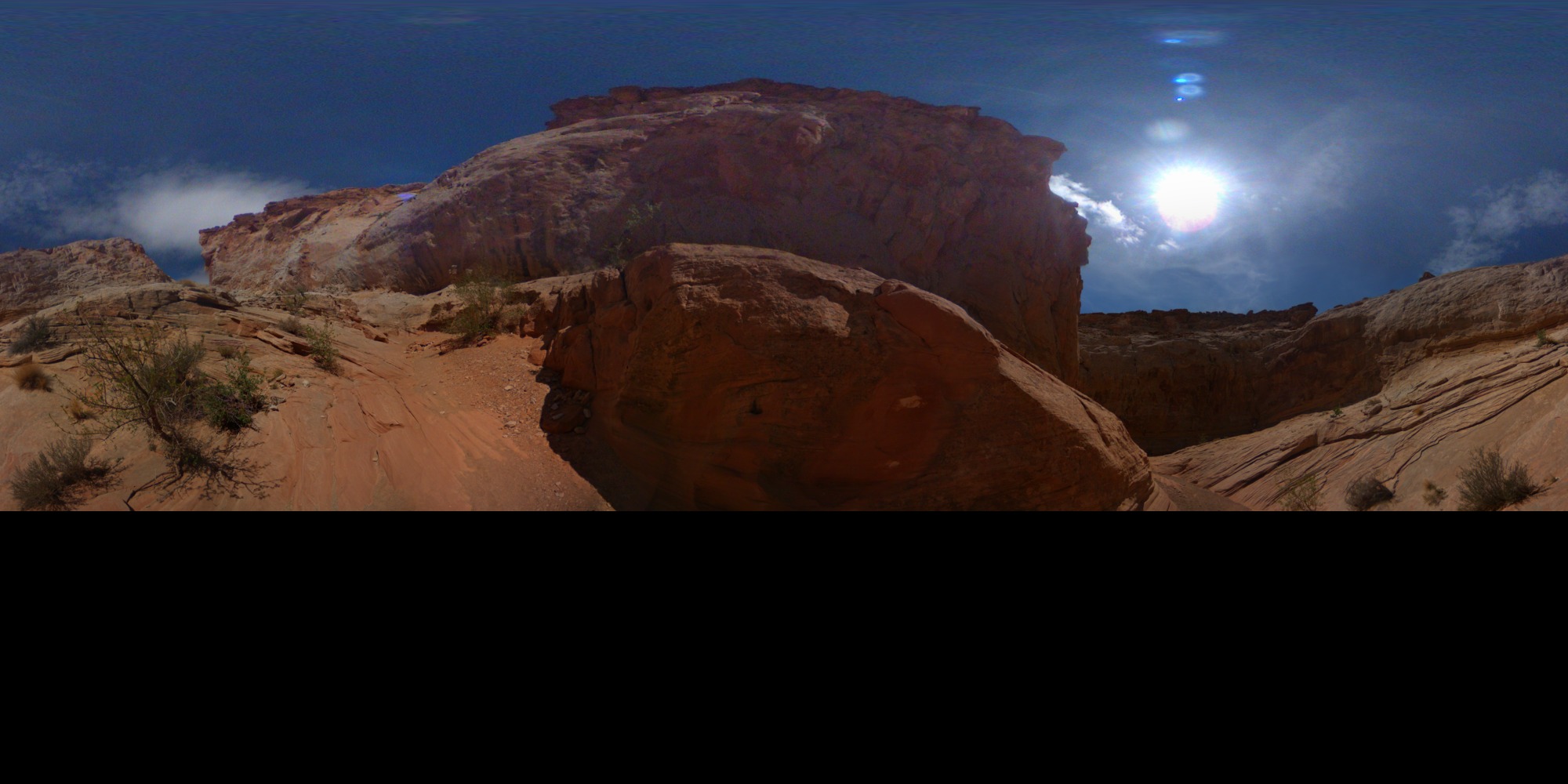
AJAX Interface
There is a panodb_interface.php that AJAX calls can communicate with by using jQuery POST (careful: GET will not work).
http://api.jquery.com/jQuery.post/
The function call names (cmd: "GetNodeData") are 1:1 the names used in the PHP framework. The parameters passed to the function are stored in an array called parameters.
This is a typical call:
$("#example").submit(function(event) {
   // make sure we do a complete override of the submit function
   event.preventDefault();
   // the URL where the panodb_interface.php file is located
   var url = "http://community.elphel.com/files/eyesis/pano-db/panodb_interface.php";
   // Receive Node data of ID = 10 as KML
   var parameters = { ID : 10 };
   var data = { cmd: "GetNodeData", return : "KML", parameters :parameters }
   // Send the data using post and display the returned data in the console (requires firebug extension)
   $.post(url, data, function(data) { console.log(data); });
}
On GIT there is a AJAX-Examples.html file that contains example calls to all implemented functions.
Retrieved from "importwiki?title=Eyesis_Panorama_Database&oldid=10676
Image samples
More Info
How to buy: We are directly accepting orders and ship worldwide. Please contact Elphel for Lead Time and Quotes:
NC353L series camera modules:
NC353L series cameras' overview table:
Order:
Order:
Order:
Learn more:
Order:

10353 series is a legacy product, previously used for Google Street View project
|
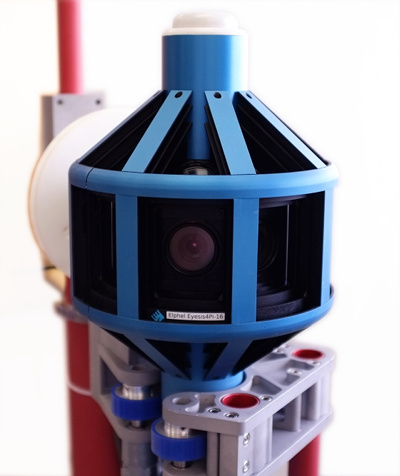
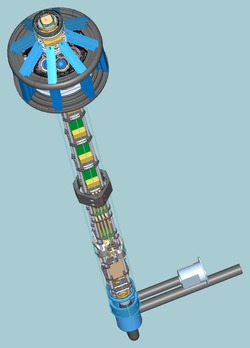
Elphel-Eyesis 4π is a panoramic and stereophotogrammetric camera that covers full sphere with the same high resolution, with it's 24 x 5Mpix sensors.
|
More Info
How to buy: We are directly accepting orders and ship worldwide. Please contact Elphel for Lead Time and Quotes:
- Email (Sales Inquiry): sales@elphel.com
- Phone: (801) 783-5555 x 107
- Eyesis4π technical support public mailing list: support-list-eyesis@support.elphel.com
NC353L series camera modules:
|
NC353L |
→ | + USB, SATA, Serial & Sync ports | → |
+ GPS receiver |
 |
+ IMU |
|||
| + Compact Flash card / Internal 1.8" HDD/SSD | ||||
| + Calibrated lens | ||||
| + Multiplexer board | → | + 2-3 sensors | ||
NC353L series cameras' overview table:
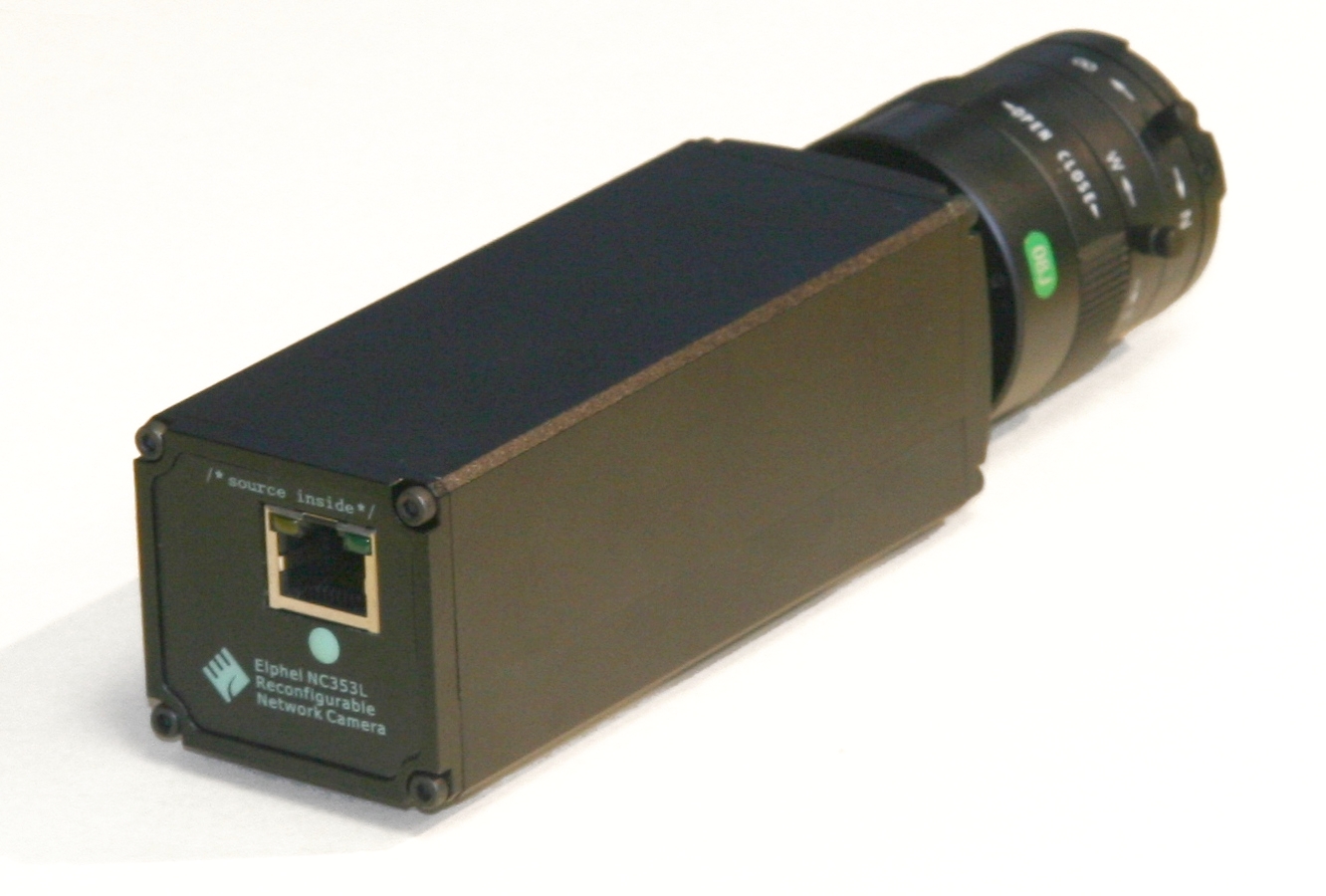
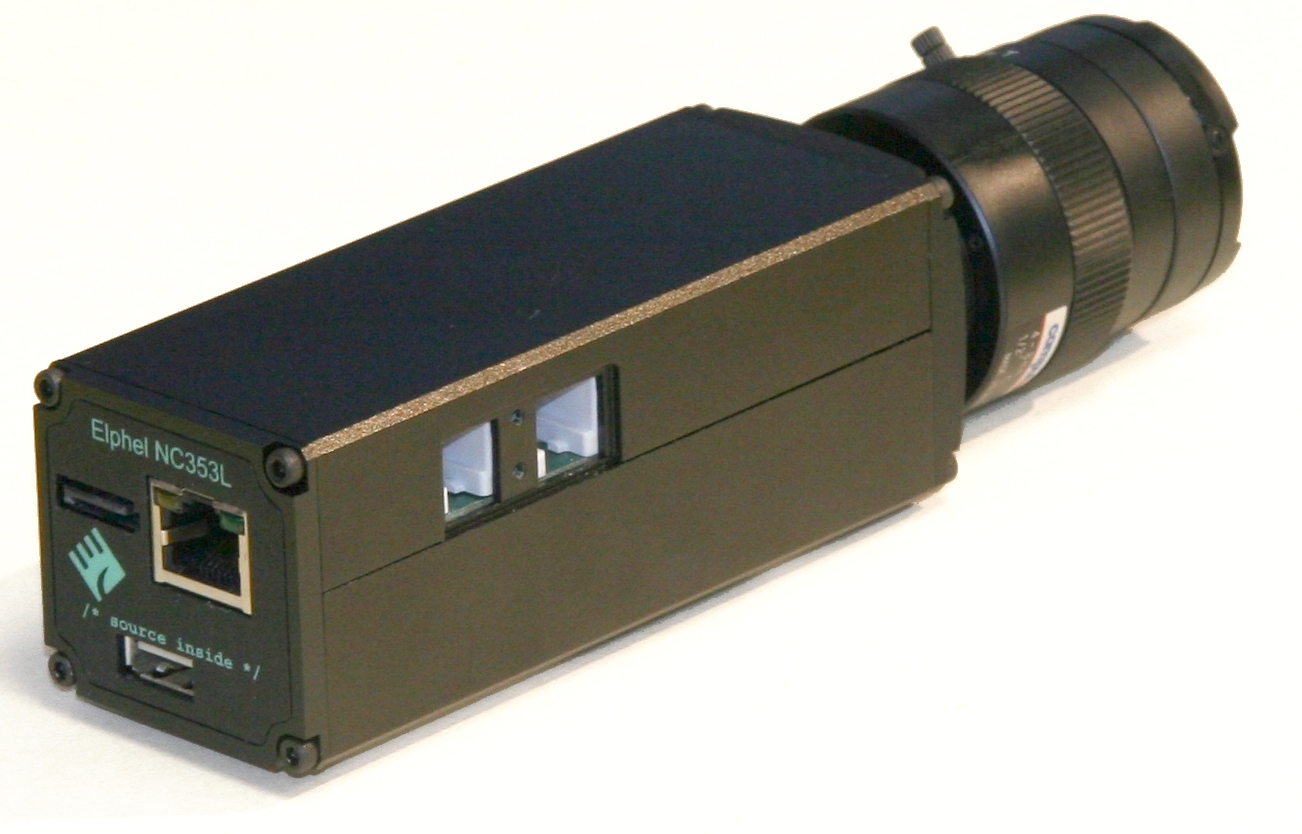
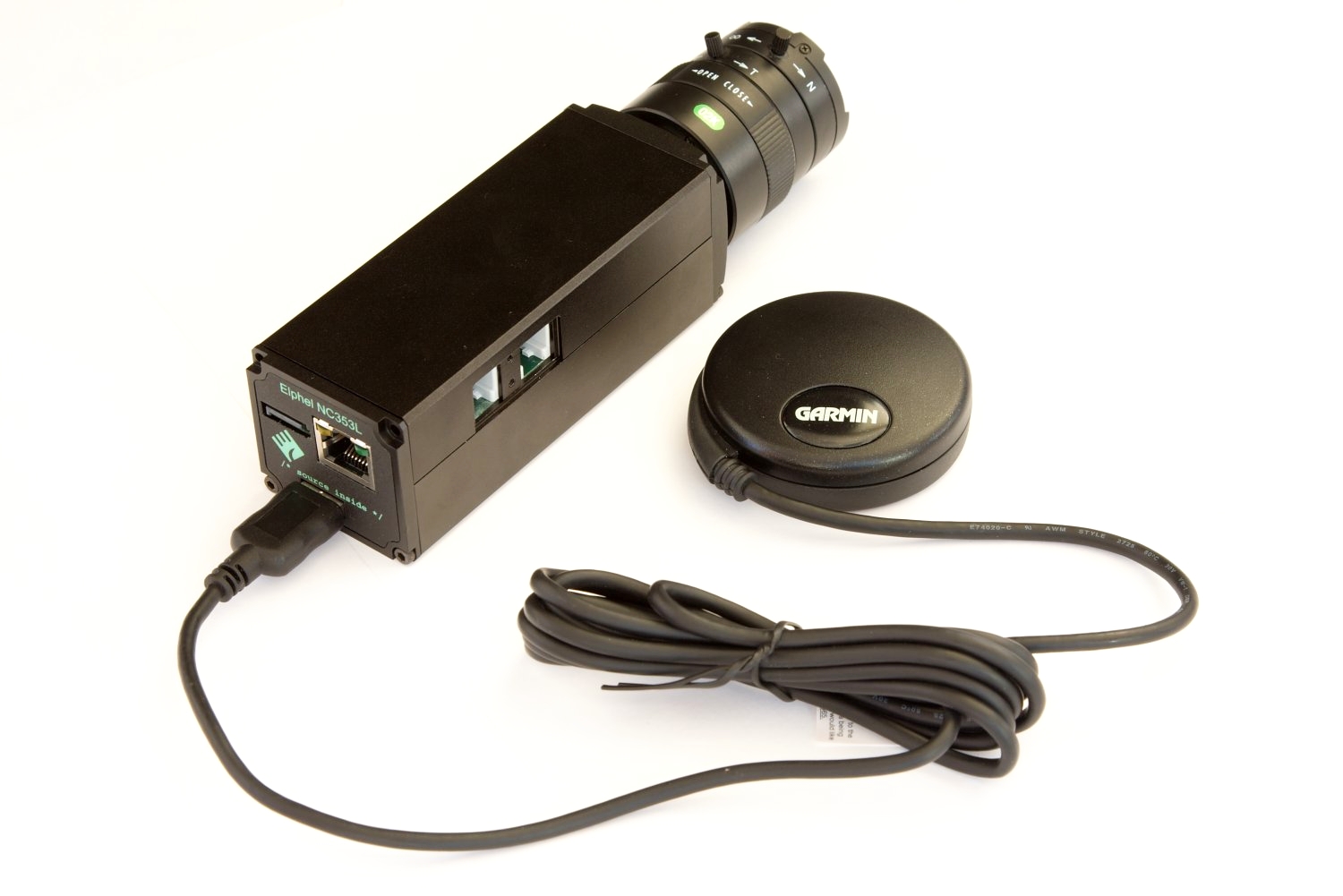
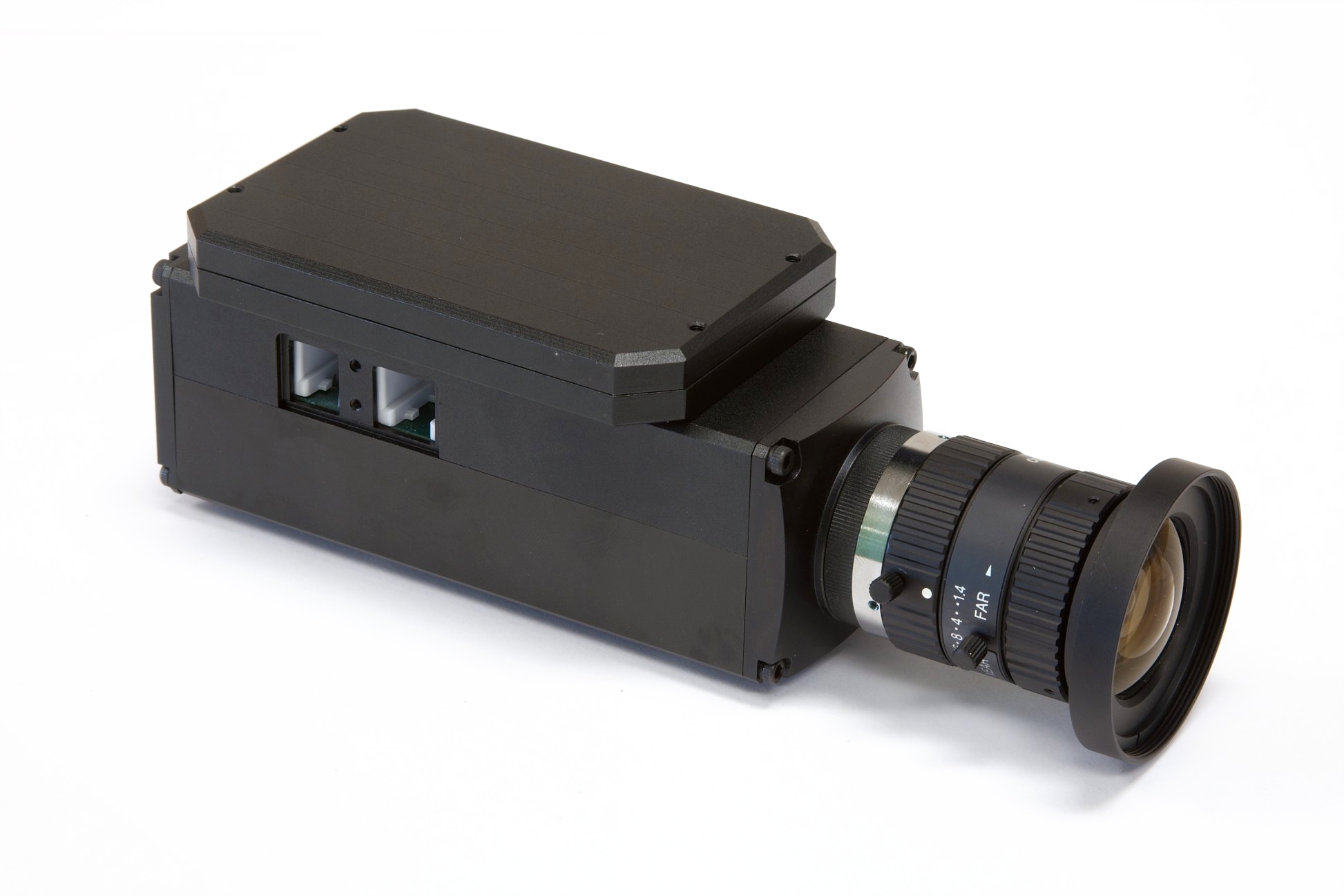
| NC353L | -PHG | -369 | -GEO | -IMU-GPS | -HDD | -PHG3 | Stereo | Hammer | |
 |
 |
 |
 |
 |
 |
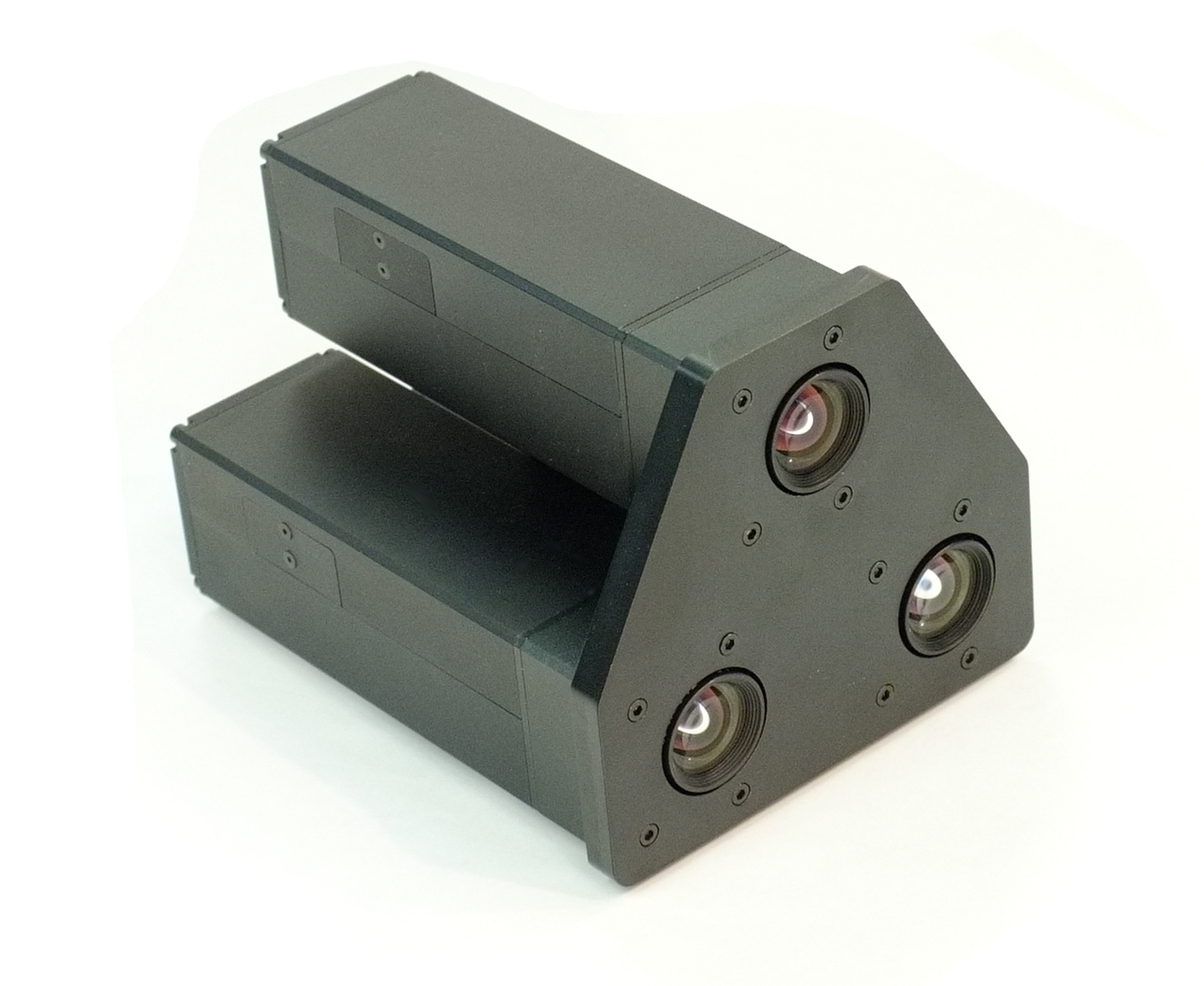 |
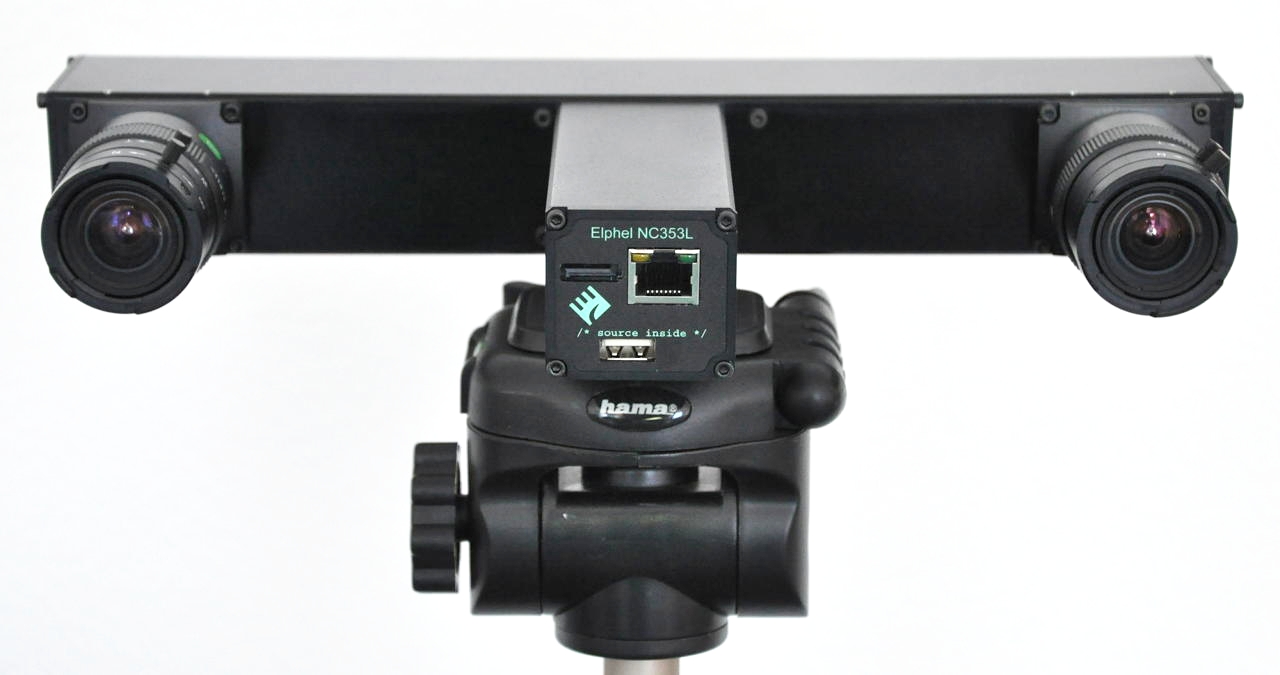 |
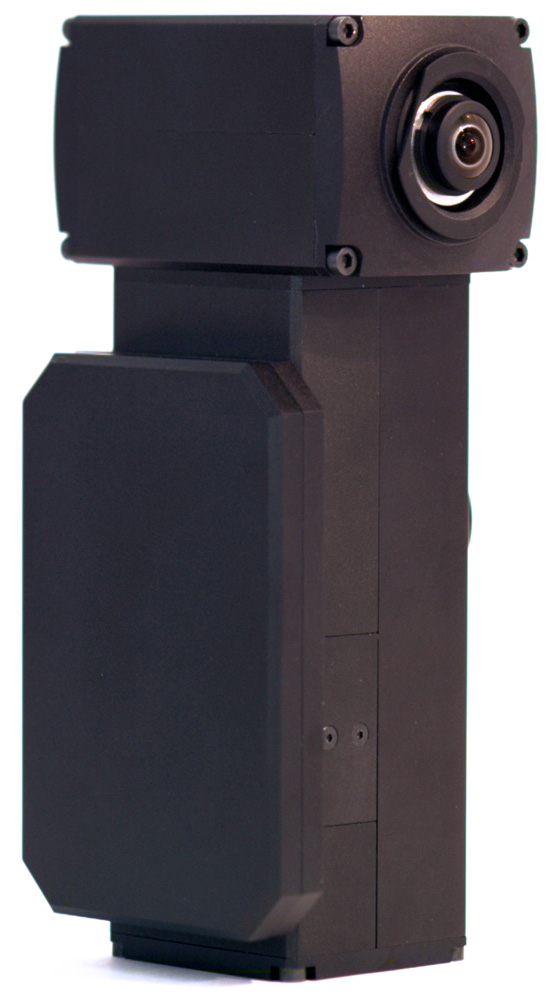 |
|
| ETH | + | + | + | + | + | + | + | + | + |
| USB(host) | + | + | + | + | + | + | + | ||
| SATA | + | + | + | + | + | + | + | ||
| SYNC/TRIGGER | + | + | + | + | + | + | + | ||
| CF card support | + | + | + | + | + | + | |||
| IMU | + | ||||||||
| GPS (usb or serial) | + | + | |||||||
| Internal 1.8" HDD/SSD | + | +/- | |||||||
| MUX board | 2 sensors | 2 sensors | |||||||
| Calibrated lens | + | + |
The default power supply is 48V. 12V modification is available.
Other custom modifications (e.g., add/remove modules) are available for all products. Please send your inquiries to sales@elphel.com or call 801.783.5555x107
Price list Order
Price list Order
Current sensor's (MT9P006 - 1/2.5", 5MPix, color or mono) Resolution-FPS table
| Standard | Resolution | max. FPS (Color) | max. FPS (JP4 RAW) |
| Full Resolution | 2592x1936 | 10.6 | 14 |
| 2K | 2048x1088 | 23.9 | 29.5 |
| Full HD (1080p) | 1920x1088 | 25.2 | 30.9 |
| HD (720p) | 1280x720 | 57.9 | 60 |
| PAL DV | 720x576 | 100 | 100 |
| NTSC DV | 640x480 | 126 | 126 |
| 512x512 | 129 | 129 | |
| 320x240 | 310 | 310 |
LineScan mode is available.
  Elphel 353 Camera Brochure Calibrated sensor front ends and the heptaclops camera blog article Price list |
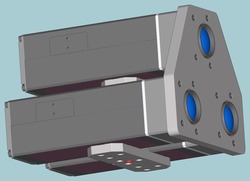
NC353-PHG is the NC353 series network camera with a calibrated M12 (S-mount) lens and thermally compensated (<0.03um/°) sensor front end intended for use in the area of photogrammetry. Features:
Custom modifications (e.g., 12V) are available for all products. Please send your inquiries to sales@elphel.com or call 801.783.5555x107
|
Elphel 353 Camera Brochure Calibrated sensor front ends and the heptaclops camera blog article Matching Images Demo Price list |
NC353-369-PHG3 (NC353-369-PHG based) is 3 network cameras with calibrated M12 (S-mount) lenses and thermally compensated (<0.03um/°) sensor front ends intended for use in the area of photogrammetry. Features:
Comparison table for PHG series three-lens cameras:
Custom modifications (e.g., 12V) are available for all products. Please send your inquiries to sales@elphel.com or call 801.783.5555x107
|
||||||||||||||||||||||||||||||
Showing current products. Legacy NC353L page is moved to nc353_legacy
10393 series
Order:- Email (Sales Inquiry): sales@elphel.com
- Phone: (801) 783-5555 x 107
- Price list
 |
10393 series are high performance network multi-sensor (multi-)camera systems designed to be as flexible as possible for a wide range of machine vision applications: Features:
|
Product table
| Model name | Description | 3D model | |
| NC393-F-CS | 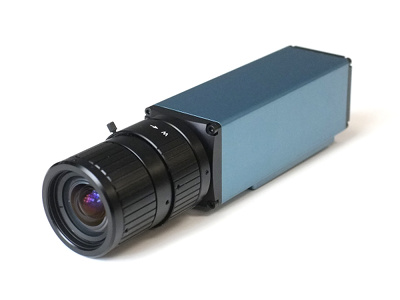 |
|
|
| NC393-M2260-F-CS | |
|
|
| NC393-M2260-F-CS-IMU | 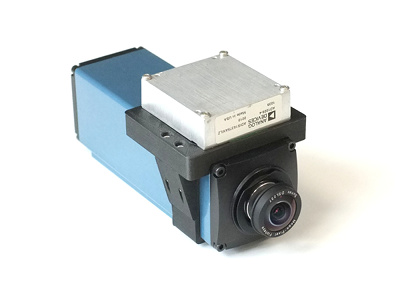 |
|
|
| MNC393-XCAM | 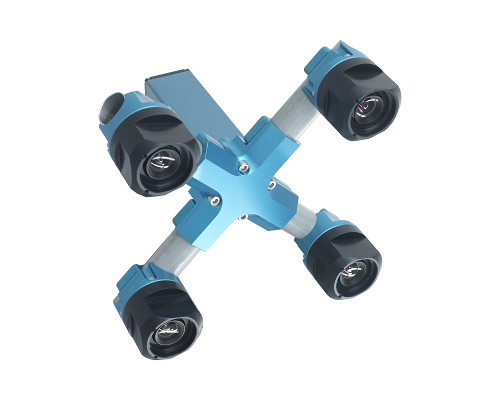 |
|
|
| NC393-DEV | 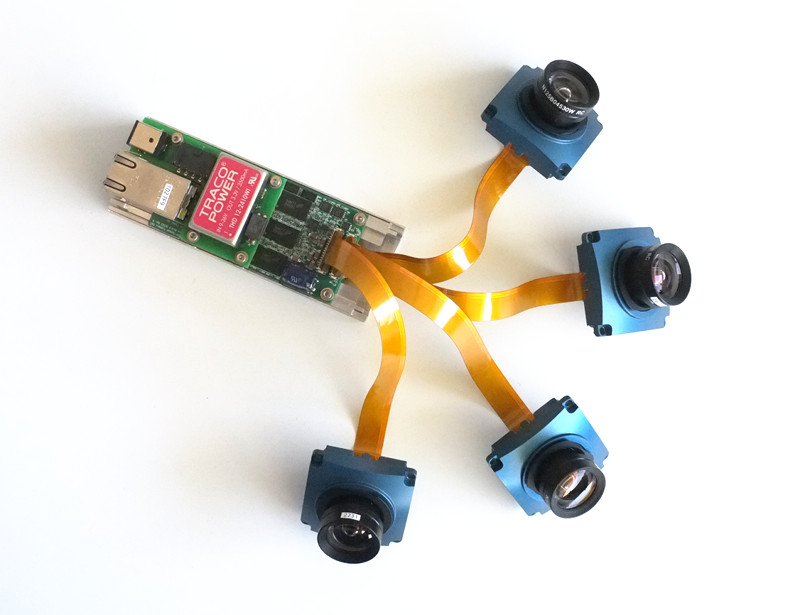 |
|
|
| NC393-H | 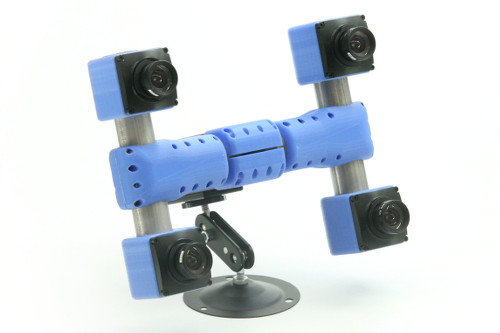 |
|
Order:
- Email (Sales Inquiry): sales@elphel.com
- Phone: (801) 783-5555 x 107
- Price list
 |
 |
 |
 |
|
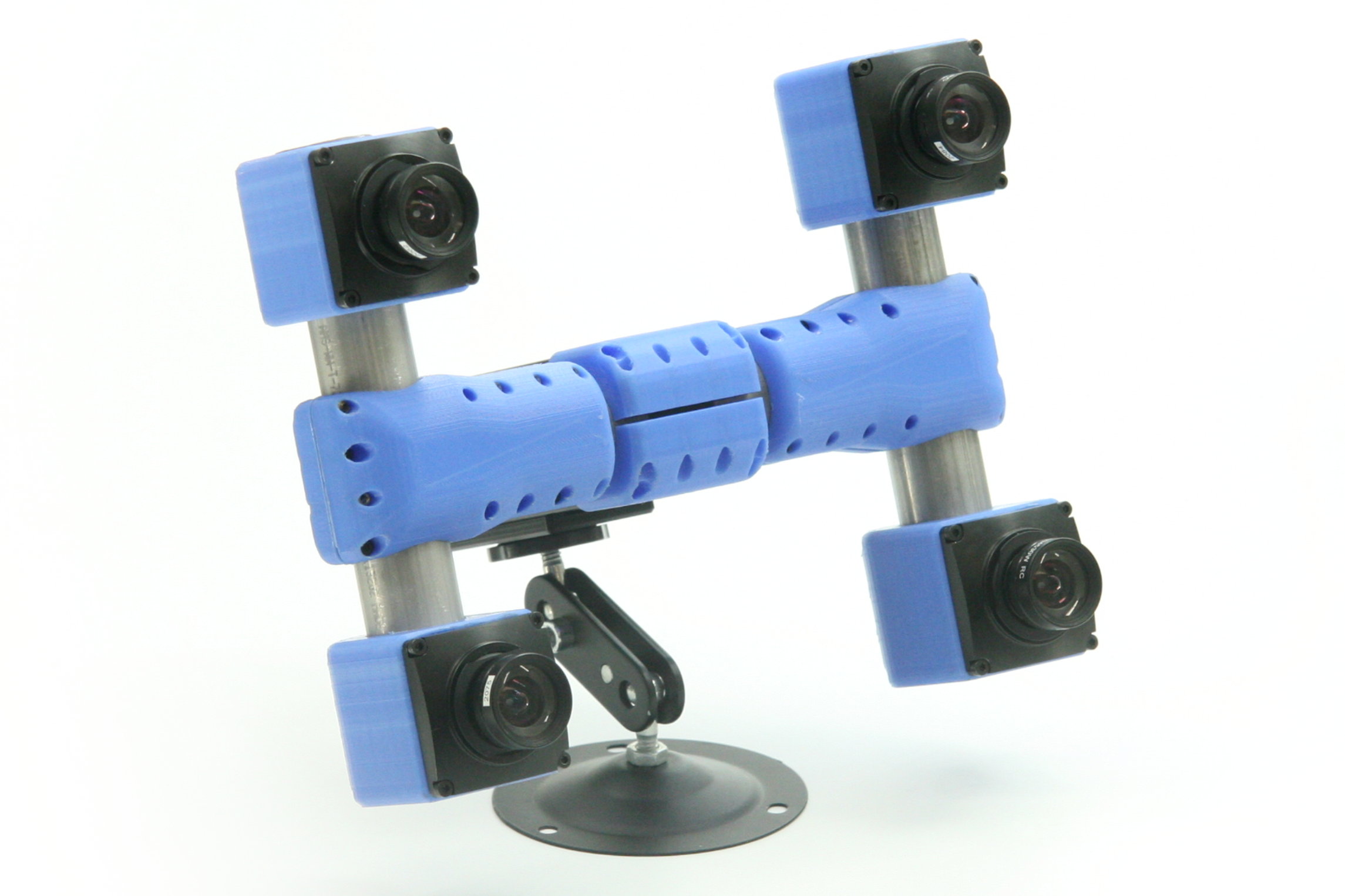
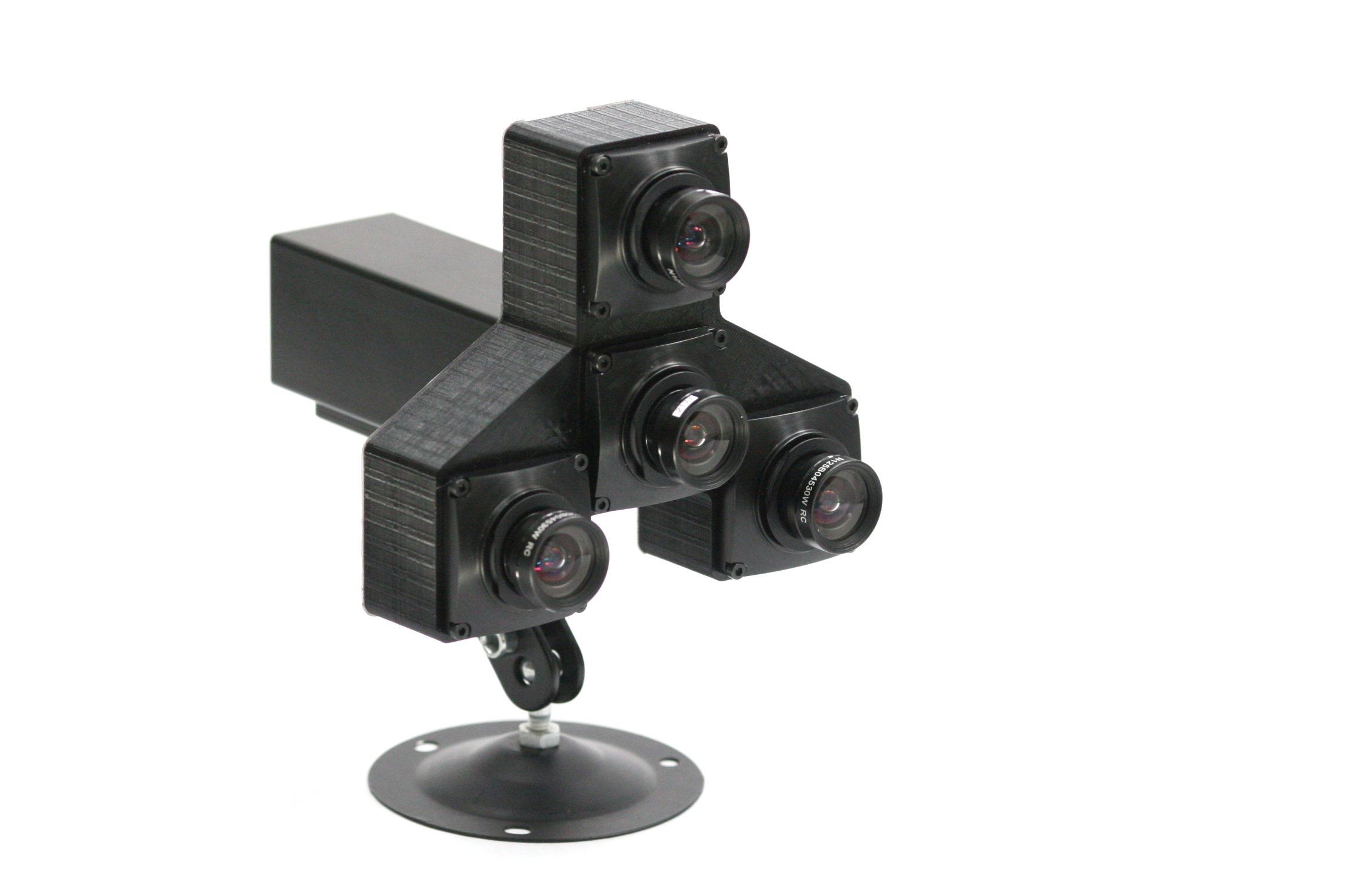
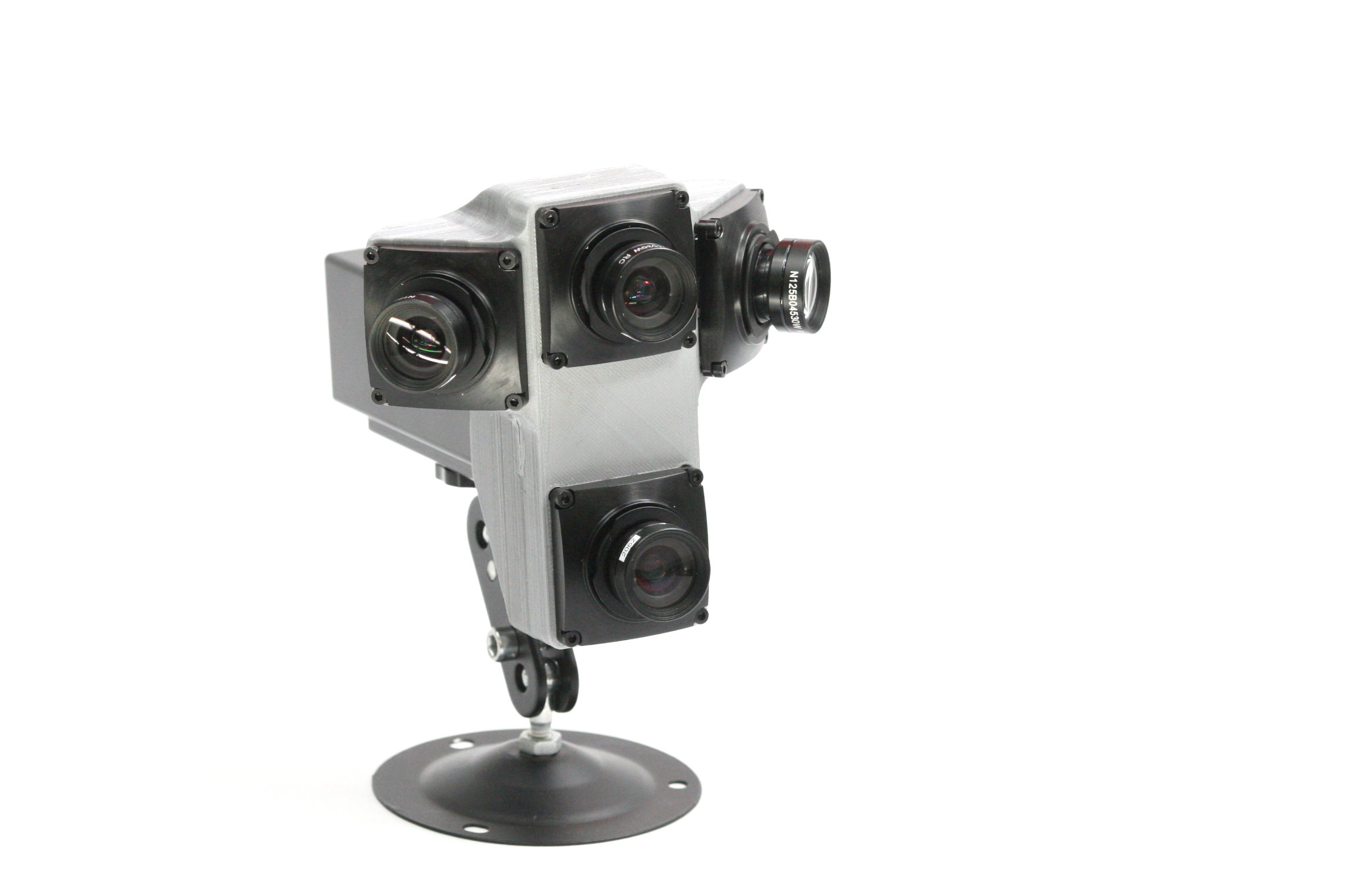
MNC393. Customizable multi-sensor cameras. Learn more. Features:
|
|||
Order:
- Email (Sales Inquiry): sales@elphel.com
- Phone: (801) 783-5555 x 107
- Price list
|
NC353L-369 is a model 353 series camera capable of recording video and images to the external SATA mass storage device or internal CF cards. Serial port provides access to the root console that simplifies firmware development. Features:
|
|
Elphel 353 Camera Brochure KIT-NC353L-369 KIT-NC353L-369-12V Price list |
|
|
|
NC353L-369-GEO is a model 353 series camera for making geotagged video and images. Features:
|
|
Elphel 353 Camera Brochure Elphel 353 Camera Brochure KIT-NC353L-369-GEO Price list |
|
|
NC353L-369-HDD is a model 353 series camera with attached 1.8" for direct recording images/video. It includes:
|
|
Elphel 353 Camera Brochure KIT-NC353L-369-HDD Price list |
Order:
- Email (Sales Inquiry): sales@elphel.com
- Phone: (801) 783-5555 x 107
Learn more:
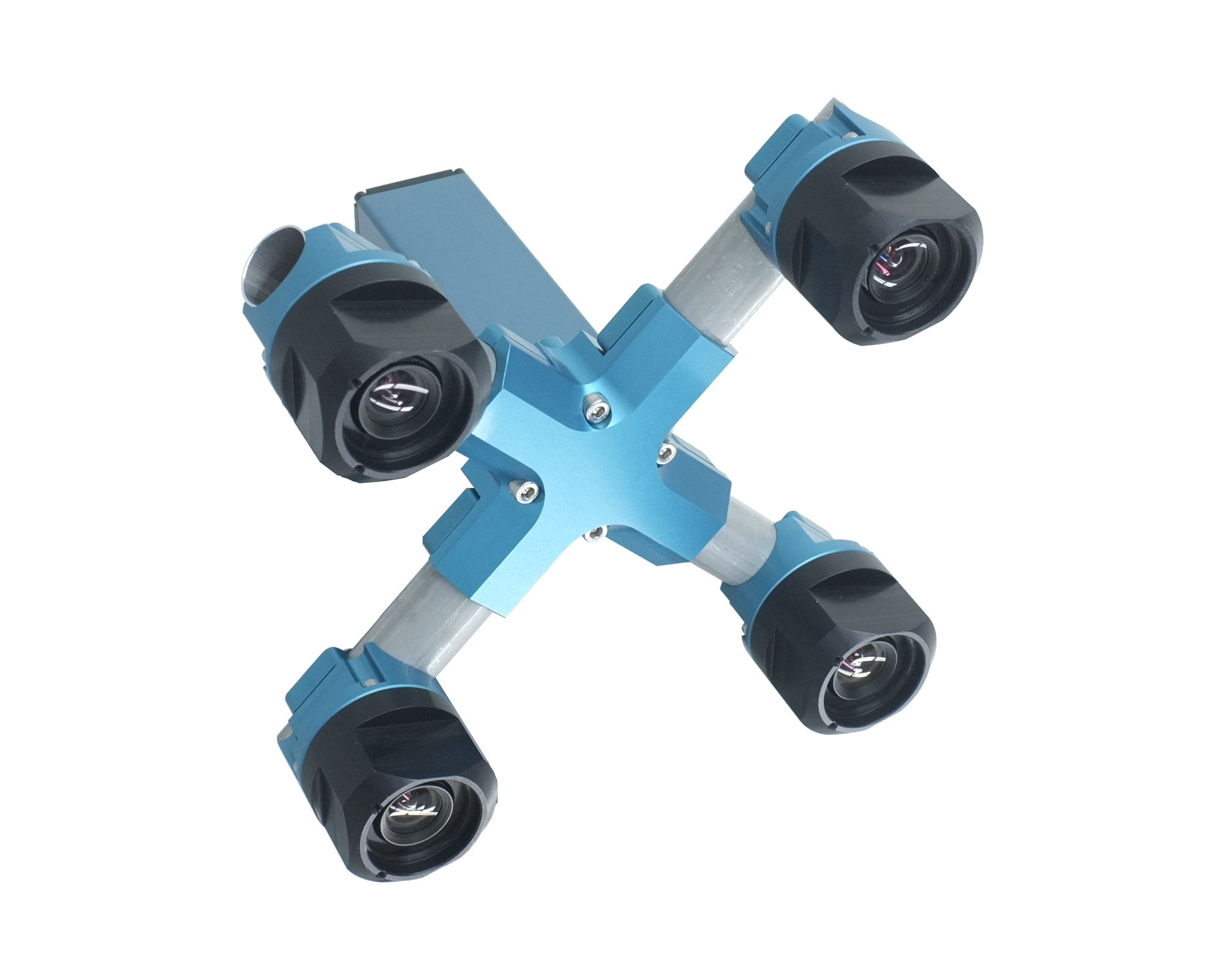 |
MNC393-XCAM is a Quad-sensor Stereo Camera. Applications:
More information Price list |
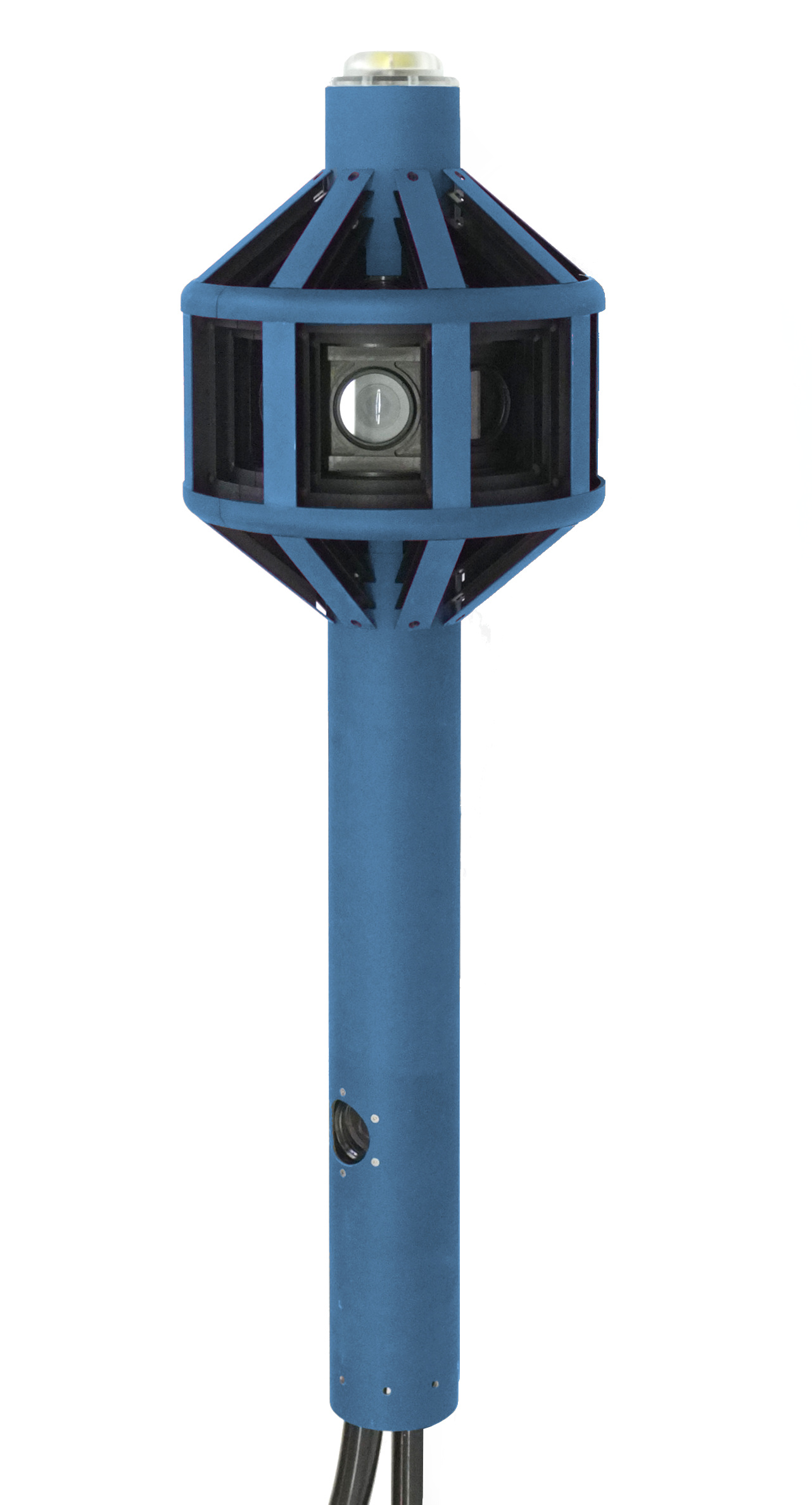 |
Eyesis4Pi-393 is the newest generation of the full-sphere multi-camera systems for stereophotogrammetric applications.
Automated panoramic imagery and 3-dimensional panoramas are the 2 main applications of Eyesise4Pi-393 camera. |
|
|
|
|
|
|
MNC393. Customizable multi-sensor cameras. Learn more. Features:
|
|||
Order:
- Email (Sales Inquiry): sales@elphel.com
- Phone: (801) 783-5555 x 107
- Price list
|
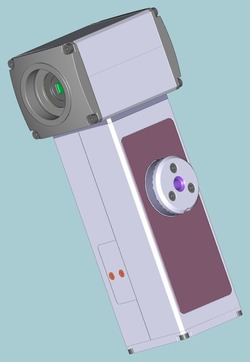
Hammer camera setup (MNC354-2B, MNC354-2B-HDD) utilises 2 sensors front ends and the 10359 multiplexer board to record synced stereo video. Features:
|
| Elphel 353 Camera Brochure Price list |
|
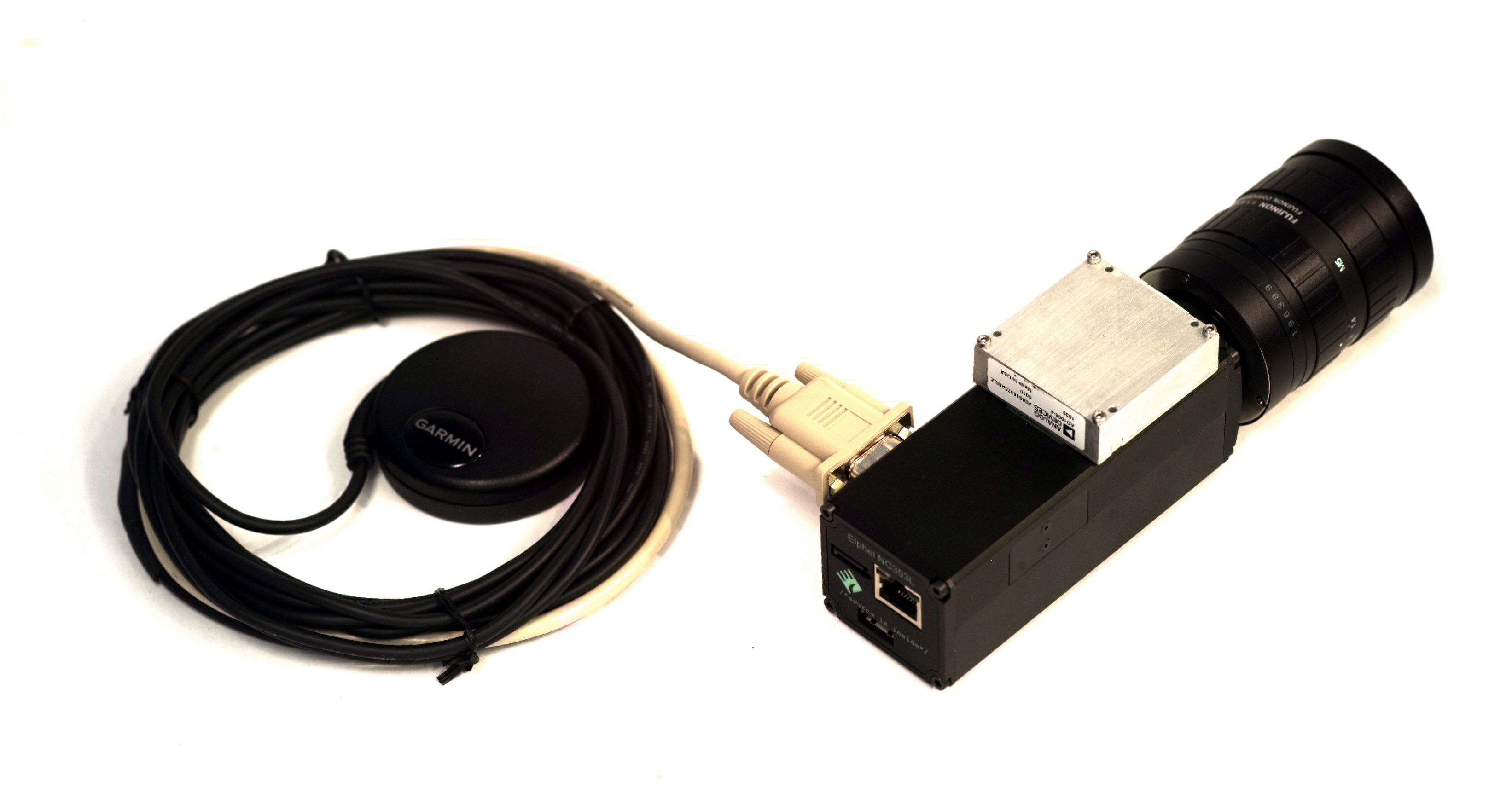
NC353L-369-IMU-GPS allows to save a separate log from Inertial Measurement Unit (orientation) and a GPS receiver (USB or serial)
|
|
Elphel 353 Camera Brochure KIT-NC353L-369-IMU/GPS Price list |